
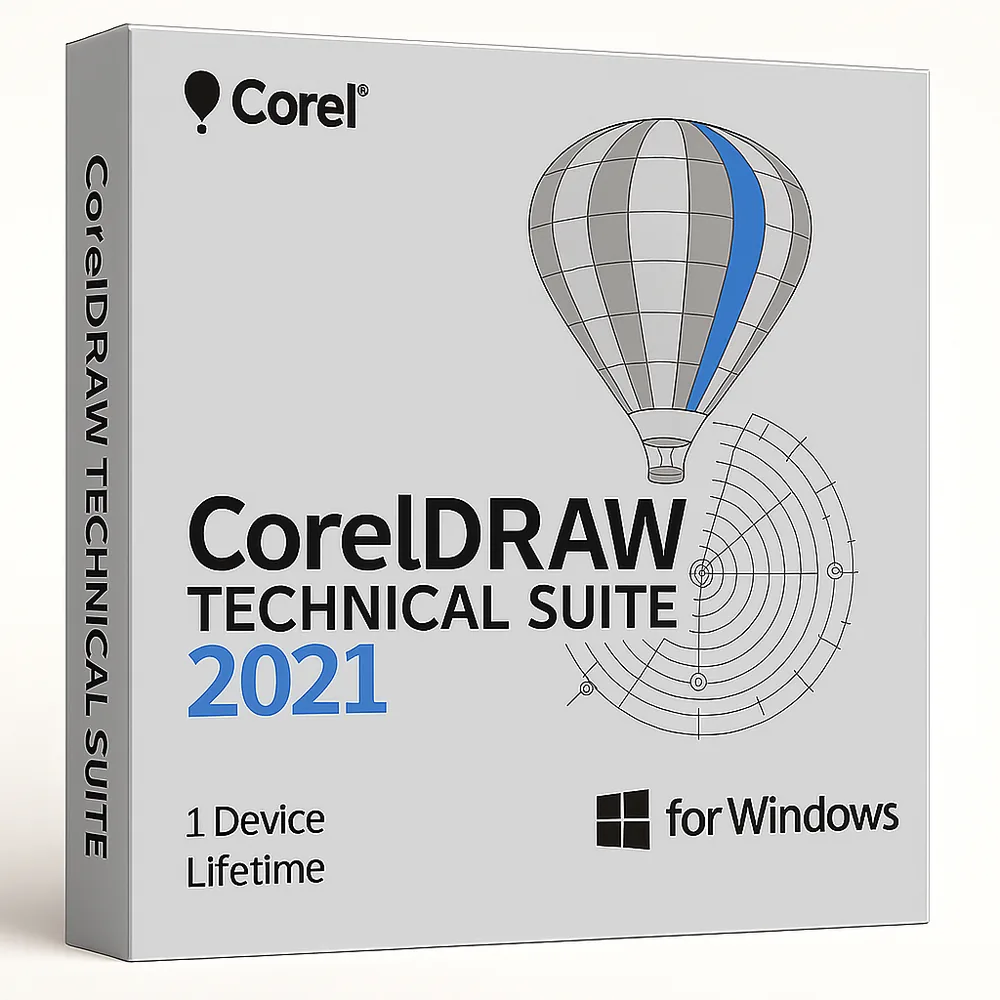
CorelDRAW Technical Suite 2021 for Windows – 1 Device Lifetime
33,98 €
CorelDRAW Technical Suite 2021
Disponibile
Consegna via e-mail, generalmente pochi minuti dopo il pagamento
Caratteristiche principali
Buy CorelDRAW Technical Suite 2021 for Windows License Key on SuperKeyStore: original product key, free technical support and a replacement-or-refund guarantee for faulty keys. Technical illustration, vector design, photo editing and 3D visualization for manuals, schematics and parts documentation. Delivered by email, usually within minutes of payment.
Buy CorelDRAW Technical Suite 2021 for Windows
You get a CorelDRAW Technical Suite 2021 for Windows license key (one-time purchase, 1 device), the download link and activation steps by email. CorelDRAW Technical Suite 2021 for Windows is Corel’s technical illustration and documentation suite for one Windows PC, combining Corel DESIGNER, CorelDRAW, PHOTO-PAINT and XVL Studio Corel Edition. No box or DVD is shipped.
| Dettaglio | Valore |
|---|---|
| Prodotto | CorelDRAW Technical Suite 2021 for Windows – 1 Device Lifetime |
| Produttore | Corel |
| Categoria | CorelDRAW |
| Platform | Windows |
| Licenza | Licenza perpetua (acquisto una tantum) |
| Dispositivi / utenti | 1 dispositivo |
| Consegna | License key and download link by email |
What is included in CorelDRAW Technical Suite 2021?
CorelDRAW Technical Suite 2021 includes Corel DESIGNER, CorelDRAW, Corel PHOTO-PAINT, XVL Studio Corel Edition and CorelDRAW.app. Each program covers one part of technical documentation:
- Corel DESIGNER: creates precise technical illustrations.
- CorelDRAW: handles vector graphics and page layout.
- Corel PHOTO-PAINT: edits images and photos.
- XVL Studio Corel Edition: turns 3D CAD models into views for illustrations.
- CorelDRAW.app: provides vector design in the web browser.
Who should use CorelDRAW Technical Suite 2021?
The suite is for technical illustrators and documentation teams in manufacturing, engineering and architecture. It is also used in automotive, aerospace, telecommunications and apparel. Typical outputs are parts illustrations, maps, schematics, blueprints and complete manuals. The interface is available in English, French, German and Japanese.
Which file formats does the Technical Suite support?
The suite imports and exports many file formats and works with legacy data. It handles CGM, DWG, DXF, PDF, SVG and common image formats. It also connects with popular authoring systems. This lets teams reuse existing drawings and CAD data.
What is the difference between the 2021 and newer versions?
Newer versions add later tools and system support, while the 2021 version keeps its proven feature set. The table lists the Windows releases in the store:
| Versione | Platform |
|---|---|
| Technical Suite 2021 | Windows |
| Technical Suite 2022 | Windows |
| Technical Suite 2023 | Windows |
See CorelDRAW Technical Suite 2022 for Windows for the next release. This 2021 license covers one device for life.
Why buy CorelDRAW Technical Suite 2021 for Windows from SuperKeyStore?
Buying CorelDRAW Technical Suite 2021 for Windows at SuperKeyStore includes:
- Original license: an original CorelDRAW Technical Suite 2021 for Windows license key, activated through Corel’s official activation.
- One-time purchase: pay once and keep using CorelDRAW Technical Suite 2021 for Windows. No subscription.
- Devices and platform: 1 device, Windows.
- Email delivery: the license key and the official download link arrive by email, usually within minutes of payment (some orders get a security check of up to 24 hours).
- Free technical support: our team helps by email with installation and activation ([email protected]).
- Sostituzione o rimborso: if the key does not work, you get a working key or your money back, as set out in our Politica di rimborso.
How do you redeem your CorelDRAW Technical Suite 2021 for Windows key?
You redeem the key in a few steps after the order email arrives. The redemption guide for CorelDRAW Technical Suite 2021 for Windows is:
- Download CorelDRAW Technical Suite 2021 with the official link in your order email.
- Run the installer and enter your serial number when asked.
- Sign in to (or create) your free Corel account to complete the activation.
Your key also stays in your order email and under Il mio account.
Requisiti di sistema
| Sistema operativo | Windows 11 or Windows 10 (64-bit) |
|---|---|
| Processore | Intel Core i3/5/7/9 or AMD Ryzen 3/5/7/9/Threadripper, EPYC |
| Memory RAM | 8 GB |
| Spazio su disco | 5.5 GB |
| Graphics | OpenCL 1.2 GPU with 3 GB VRAM or more |
| Schermo | 1280 x 720 at 100% (96 dpi) |
| Internet | Required for download and activation |
Download e attivazione
Download CorelDRAW Technical Suite 2021 for Windows with SuperKeyStore
Buying CorelDRAW Technical Suite 2021 for Windows takes a minute: add it to your cart, pay through our secure, encrypted checkout and you receive your product key and the official download link by email, usually within minutes. Everything you need is in your order email, together with these instructions.
How to install and activate CorelDRAW Technical Suite 2021 for Windows
- Download CorelDRAW Technical Suite 2021 with the official link in your order email.
- Run the installer and enter your serial number when asked.
- Sign in to (or create) your free Corel account to complete the activation.
Stuck at any step? Email [email protected] with your order number and a screenshot. Our support is free, and if a key does not work we send a replacement or refund you, as set out in our Politica di rimborso.
Why choose CorelDRAW Technical Suite 2021 for Windows
CorelDRAW Technical Suite 2021 is a technical illustration and documentation software for technical illustrators, engineers and documentation teams. Highlights: Precise technical illustration and isometric drawing tools; Import and work with 3D CAD models; Callouts, dimensions and projected drawing.
More software at SuperKeyStore
Popular with this product: Windows 11 Pro, Office 2024 Professional Plus, Microsoft 365 Personal. Browse all antivirus software e money-saving bundles.
Consegna digitale
All our products are delivered digitally by email: no shipping costs, no waiting for a parcel and no packaging waste. Your key is stored in your order email and, if you created one, in your account, so you can find it again at any time.
FAQ
Is CorelDRAW Technical Suite 2021 a subscription?
No. It is a one-time purchase: you pay once and keep using the software.
Which operating system does it run on?
This edition runs on Windows. It does not run on macOS; choose the matching edition for another system.
On how many computers can I use it?
The license is for 1 user. Contact us before buying if you need licenses for several people.
Where do I download the software?
From the official Corel website or the official link in your order email. The Download & Activation tab explains every step.
Do I need an internet connection?
Yes, to download and activate the software.
In quanto tempo riceverò la chiave?
By email, usually within minutes of payment. Some orders go through a short security check that can take up to 24 hours. Please check your spam folder too.
E se la chiave non funziona?
Email us your order number and a screenshot of the error. We send a replacement or refund you, as described in our Politica di rimborso.
Altre domande? Consulta le nostre FAQ, Politica di rimborso o contattaci.
- Assistenza gratuitaVia e-mail
- Consegna rapidaGeneralmente in pochi minuti
- Pagamenti sicuriPagamento crittografato
- Licenze digitaliAttivazione ufficiale
- Chiave difettosa?Sostituzione o rimborso
Selezionati per te
Vedi tutto CorelDRAW Technical Suite 2024 for Windows93,98 €+ Aggiungi
 Adobe Creative Cloud Photography Plan 1 TB 1 Year217,98 €+ Aggiungi
 Corel PaintShop Pro X9 Prezzo precedente: 111,98 €.66,98 €Il prezzo attuale è: 66,98 €.+ Aggiungi
 CorelDRAW Standard 2021 for Windows66,98 €+ Aggiungi
 Adobe Creative Cloud for Windows or MAC – 1 Year388,98 €+ Aggiungi
Recensioni
Non ci sono ancora recensioni.