
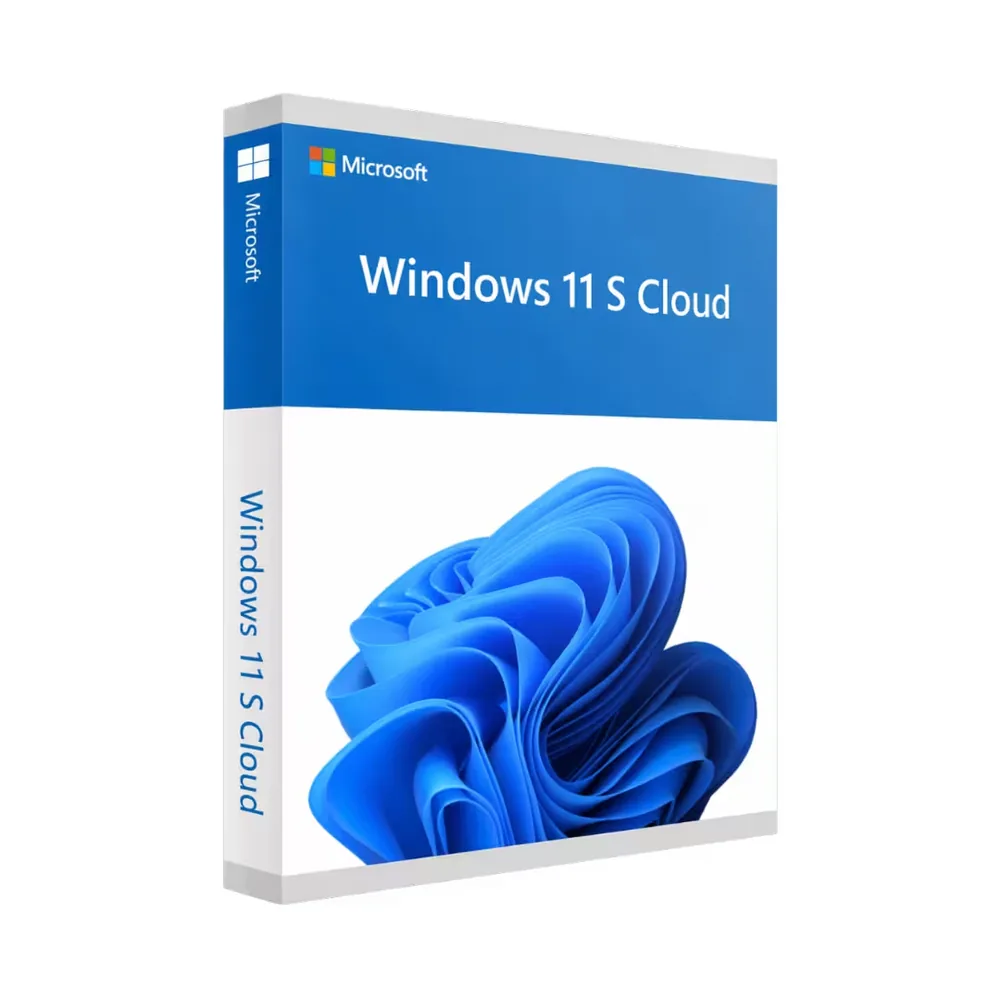
Windows 11 S Cloud
44,98 €
Windows 11 S Cloud
Disponibile
Consegna via e-mail, generalmente pochi minuti dopo il pagamento
Caratteristiche principali
Buy Windows 11 S Cloud License Key on SuperKeyStore: original product key, free technical support and a replacement-or-refund guarantee for faulty keys. Microsoft Store apps only, OneDrive sync, fast startup and built-in Defender and Secure Boot protection for one PC. Delivered by email, usually within minutes of payment.
Buy Windows 11 S Cloud
You get a Windows 11 S Cloud license key (one-time purchase), the download link and activation steps by email. Windows 11 S Cloud is a locked-down, cloud-focused configuration of Windows 11 for one PC that runs only Microsoft Store apps and syncs files and settings with OneDrive. No box or DVD is shipped.
| Dettaglio | Valore |
|---|---|
| Prodotto | Windows 11 S Cloud |
| Produttore | Microsoft |
| Categoria | Windows 11 |
| Platform | Windows |
| Licenza | Licenza perpetua (acquisto una tantum) |
| Consegna | License key and download link by email |
What is Windows 11 S Cloud?
Windows 11 S Cloud is a simplified version of Windows 11 that runs only Microsoft Store apps and relies on cloud services. It is designed for modern devices in education, remote work and business. The restriction to Store apps improves security and stability. The license covers one PC.
What are the main features of Windows 11 S Cloud?
The main features focus on security, cloud integration and fast performance. The edition includes these functions:
- Store-only apps: allows only verified apps from the Microsoft Store.
- OneDrive integration: syncs files and settings to the cloud.
- Fast startup: optimized for quick boot and smooth everyday use.
- Built-in security: Microsoft Defender and Secure Boot protect the system.
- Microsoft Edge: the default browser for safe browsing.
What is the difference between Windows 11 S Cloud and Windows 11 Pro?
Windows 11 S Cloud only runs Store apps, while Windows 11 Pro installs any compatible desktop software. The table compares the editions:
| Feature | Windows 11 S Cloud | Windows 11 Pro |
|---|---|---|
| App sources | Microsoft Store only | Store and any desktop software |
| BitLocker and Remote Desktop host | No | Yes |
| Main use | Simple, managed devices | Business and advanced users |
Users who need full software compatibility can choose the Windows 11 Pro Product Key.
Who should use Windows 11 S Cloud?
It suits schools, remote workers and businesses that want simple and secure devices. It works best when users mainly need a browser, Store apps and cloud storage. Other editions are listed in the Windows 11 category.
Why buy Windows 11 S Cloud from SuperKeyStore?
Buying Windows 11 S Cloud at SuperKeyStore includes:
- Original license: an original Windows 11 S Cloud license key, activated through Microsoft’s official activation.
- One-time purchase: pay once and keep using Windows 11 S Cloud. No subscription.
- Platform: Windows.
- Email delivery: the license key and the official download link arrive by email, usually within minutes of payment (some orders get a security check of up to 24 hours).
- Free technical support: our team helps by email with installation and activation ([email protected]).
- Sostituzione o rimborso: if the key does not work, you get a working key or your money back, as set out in our Politica di rimborso.
How do you redeem your Windows 11 S Cloud key?
You redeem the key in a few steps after the order email arrives. The redemption guide for Windows 11 S Cloud is:
- Already running Windows? Open Settings > System > Activation and choose Change product key.
- Enter your 25-character key: Windows connects to Microsoft and activates within a minute.
- For a clean installation, download Microsoft’s free Media Creation Tool, create a bootable USB stick (8 GB or more) and enter the key during setup.
Your key also stays in your order email and under Il mio account.
Requisiti di sistema
| Compatibility | Works on most modern PCs (usually built in 2018 or newer) |
|---|---|
| Processore | 1 GHz or faster 64-bit processor (2 or more cores) |
| Memoria (RAM) | 4 GB or more |
| Storage | 64 GB available storage space |
| Schermo | 720p HD screen or better |
| Internet | Required for download, activation and updates |
| Quick check | Verify your PC in seconds with Microsoft's free PC Health Check app |
Download e attivazione
Download Windows 11 S Cloud with SuperKeyStore
Buying Windows 11 S Cloud takes a minute: add it to your cart, pay through our secure, encrypted checkout and you receive your product key and the official download link by email, usually within minutes. Everything you need is in your order email, together with these instructions.
How to install and activate Windows 11 S Cloud
- Already running Windows? Open Settings > System > Activation and choose Change product key.
- Enter your 25-character key: Windows connects to Microsoft and activates within a minute.
- For a clean installation, download Microsoft's free Media Creation Tool, create a bootable USB stick (8 GB or more) and enter the key during setup.
Stuck at any step? Email [email protected] with your order number and a screenshot. Our support is free, and if a key does not work we send a replacement or refund you, as set out in our Politica di rimborso.
Why choose Windows 11 S Cloud
An original Windows 11 S Cloud license activates directly on Microsoft's servers, removes the "Activate Windows" watermark and unlocks all personalisation settings and Windows updates for this edition.
More software at SuperKeyStore
Popular with this product: Office 2024 Professional Plus, Office 2021 Professional Plus, Norton 360 Deluxe. Browse all antivirus software e money-saving bundles.
Consegna digitale
All our products are delivered digitally by email: no shipping costs, no waiting for a parcel and no packaging waste. Your key is stored in your order email and, if you created one, in your account, so you can find it again at any time.
FAQ
Is the Windows 11 S license lifetime?
Yes. It is a one-time purchase that stays activated on your PC, with all Windows updates for this edition.
Can I upgrade from Windows 11 Home?
Yes, without reinstalling: go to Settings > System > Activation > Change product key and enter your new key.
Can I upgrade from Windows 10?
Yes, as long as your PC is compatible with Windows 11 (most computers from 2018 or newer). You can verify in seconds with Microsoft's free PC Health Check app.
What does this edition add?
All standard Windows 11 features.
Can I use the key on several PCs?
No. One key activates one PC.
Can I reinstall Windows later?
Yes. After activation the license is linked to your PC hardware (and Microsoft account, if you sign in), so Windows reactivates automatically after a clean reinstall.
In quanto tempo riceverò la chiave?
By email, usually within minutes of payment. Some orders go through a short security check that can take up to 24 hours. Please check your spam folder too.
E se la chiave non funziona?
Email us your order number and a screenshot of the error. We send a replacement or refund you, as described in our Politica di rimborso.
Altre domande? Consulta le nostre FAQ, Politica di rimborso o contattaci.
- Assistenza gratuitaVia e-mail
- Consegna rapidaGeneralmente in pochi minuti
- Pagamenti sicuriPagamento crittografato
- Licenze digitaliAttivazione ufficiale
- Chiave difettosa?Sostituzione o rimborso
Recensioni
Non ci sono ancora recensioni.