
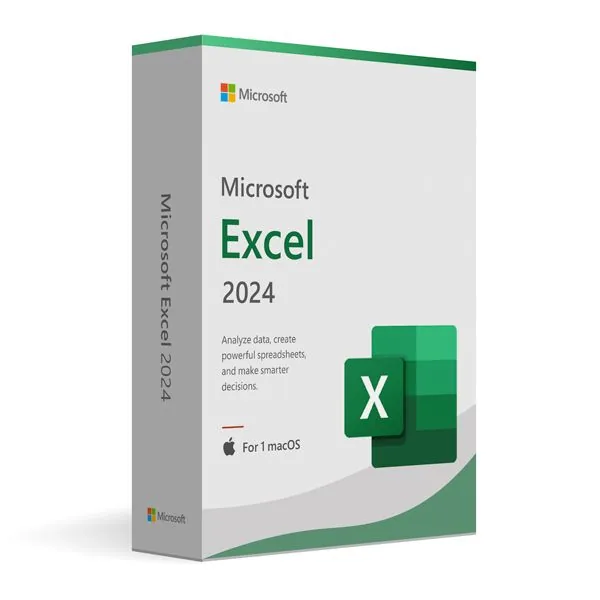
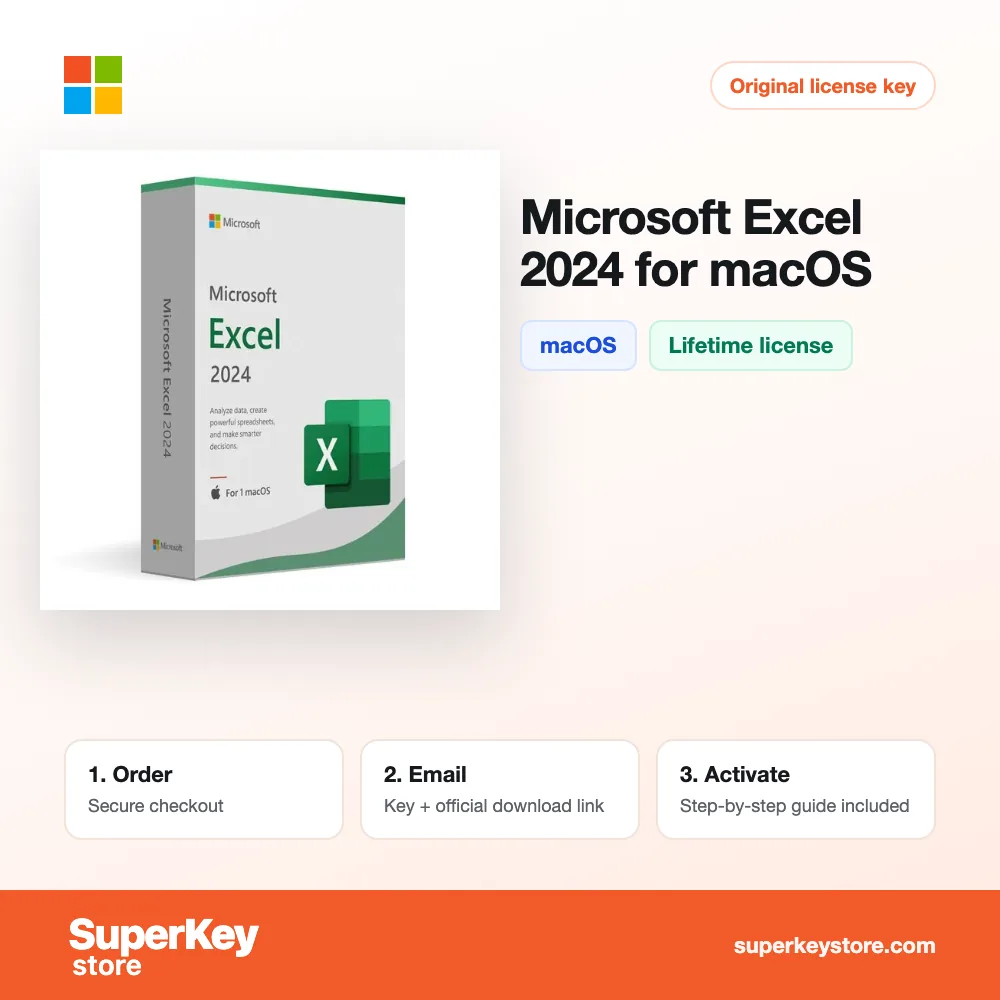
Microsoft Excel 2024 for macOS
334,98 €
Microsoft Excel 2024 for Mac
Disponibile
Consegna via e-mail, generalmente pochi minuti dopo il pagamento
Caratteristiche principali
Buy Microsoft Excel 2024 for Mac License Key on SuperKeyStore: original product key, free technical support and a replacement-or-refund guarantee for faulty keys. Formulas, charts, pivot tables, macros and real-time co-authoring in a permanent spreadsheet app for the Mac. Delivered by email, usually within minutes of payment.
Buy Microsoft Excel 2024 for Mac
You get a Microsoft Excel 2024 for Mac license key (one-time purchase), the download link and activation steps by email. Microsoft Excel 2024 for Mac is the standalone one-time-purchase version of Microsoft’s spreadsheet app for macOS, used for data analysis, formulas, charts and pivot tables. No box or DVD is shipped.
| Dettaglio | Valore |
|---|---|
| Prodotto | Microsoft Excel 2024 for macOS |
| Produttore | Microsoft |
| Categoria | Office 2024 |
| Platform | macOS |
| Licenza | Licenza perpetua (acquisto una tantum) |
| Consegna | License key and download link by email |
What does Excel 2024 for Mac do?
Excel 2024 for Mac creates and analyses spreadsheets on macOS. It is a standalone app and does not include Word, PowerPoint or Outlook. Users manage data, calculate budgets and run financial analyses. It is a one-time purchase without a subscription.
What are the main features of Excel 2024 for Mac?
Excel 2024 offers the full set of formulas, charts and data tools on the Mac. The most important functions are:
- Formulas and functions: calculate values with statistical, financial and logical functions.
- Charts: show trends and comparisons in visual form.
- Pivot tables: summarize large data sets in a few steps.
- Macros: automate repeated tasks.
- Co-authoring: lets several people edit a shared workbook at the same time.
- Version history: restores earlier versions of a workbook.
- Protection: secures workbooks with passwords and encryption.
How does Excel 2024 work on macOS?
Excel 2024 uses a Mac-style ribbon and supports Retina displays. The menus follow macOS conventions. Charts and tables look sharp on high-resolution screens. Excel opens and saves the common spreadsheet formats such as XLSX, XLS and CSV. Data can be combined with Word documents and PowerPoint presentations.
What is the difference between Excel 2024 for Mac and Excel 2024 for Windows?
Both versions share the same file format and core functions, but each runs only on its own platform. The table shows the difference:
| Prodotto | Platform | Power Pivot |
|---|---|---|
| Excel 2024 for Mac | macOS | No |
| Excel 2024 for Windows | Windows | Yes |
PC users should choose Microsoft Excel 2024 for Windows. Other single apps and full suites are listed in the Office 2024 category.
Why buy Microsoft Excel 2024 for Mac from SuperKeyStore?
Buying Microsoft Excel 2024 for Mac at SuperKeyStore includes:
- Original license: an original Microsoft Excel 2024 for Mac license key, activated through Microsoft’s official activation.
- One-time purchase: pay once and keep using Microsoft Excel 2024 for Mac. No subscription like Microsoft 365.
- Platform: macOS.
- Email delivery: the license key and the official download link arrive by email, usually within minutes of payment (some orders get a security check of up to 24 hours).
- Free technical support: our team helps by email with installation and activation ([email protected]).
- Sostituzione o rimborso: if the key does not work, you get a working key or your money back, as set out in our Politica di rimborso.
How do you redeem your Microsoft Excel 2024 for Mac key?
You redeem the key in a few steps after the order email arrives. The redemption guide for Microsoft Excel 2024 for Mac is:
- Uninstall any other version of the same Microsoft app and restart your computer.
- Download the installer with the official link in your order email.
- Install the app, open it and choose I have a product key (or go to File > Account).
- Enter your 25-character product key: the app activates online within seconds.
Your key also stays in your order email and under Il mio account.
Requisiti di sistema
| Sistema operativo | One of the three most recent macOS versions (Intel or Apple silicon) |
|---|---|
| Processore | Intel processor or Apple silicon (M1 or later) |
| Memoria (RAM) | 4 GB |
| Disco rigido | 10 GB of free space (HFS+ or APFS formatted) |
| Schermo | 1280 x 800 resolution |
| Internet | Required for download and activation |
Download e attivazione
Download Microsoft Excel 2024 for macOS with SuperKeyStore
Buying Microsoft Excel 2024 for macOS takes a minute: add it to your cart, pay through our secure, encrypted checkout and you receive your product key and the official download link by email, usually within minutes. Everything you need is in your order email, together with these instructions.
How to install and activate Microsoft Excel 2024 for macOS
- Uninstall any other version of the same Microsoft app and restart your computer.
- Download the installer with the official link in your order email.
- Install the app, open it and choose I have a product key (or go to File > Account).
- Enter your 25-character product key: the app activates online within seconds.
Stuck at any step? Email [email protected] with your order number and a screenshot. Our support is free, and if a key does not work we send a replacement or refund you, as set out in our Politica di rimborso.
Why choose Microsoft Excel 2024 for macOS
Microsoft Excel 2024 is a spreadsheet program for home users, students and professionals. Highlights: Formulas, functions and PivotTables; Charts and conditional formatting; XLOOKUP and dynamic arrays (2021 and later).
More software at SuperKeyStore
Popular with this product: Windows 11 Pro, Office 2024 Professional Plus, Microsoft 365 Personal. Browse all Microsoft Office, antivirus software, money-saving bundles e Microsoft apps.
Consegna digitale
All our products are delivered digitally by email: no shipping costs, no waiting for a parcel and no packaging waste. Your key is stored in your order email and, if you created one, in your account, so you can find it again at any time.
FAQ
Is Microsoft Excel 2024 a subscription?
No. It is a one-time purchase: you pay once and keep using the software.
Which operating system does it run on?
This edition runs on macOS. It does not run on Windows; choose the matching edition for another system.
On how many computers can I use it?
The license is for 1 user. Contact us before buying if you need licenses for several people.
Where do I download the software?
From the official Microsoft website or the official link in your order email. The Download & Activation tab explains every step.
Do I need an internet connection?
Yes, to download and activate the software.
In quanto tempo riceverò la chiave?
By email, usually within minutes of payment. Some orders go through a short security check that can take up to 24 hours. Please check your spam folder too.
E se la chiave non funziona?
Email us your order number and a screenshot of the error. We send a replacement or refund you, as described in our Politica di rimborso.
Altre domande? Consulta le nostre FAQ, Politica di rimborso o contattaci.
- Assistenza gratuitaVia e-mail
- Consegna rapidaGeneralmente in pochi minuti
- Pagamenti sicuriPagamento crittografato
- Licenze digitaliAttivazione ufficiale
- Chiave difettosa?Sostituzione o rimborso
Selezionati per te
Vedi tutto Office 2024 Professional Plus – Lifetime Access to Premium Office Apps for One Windows PC29,98 €+ Aggiungi
 Visio 2024 Professional for Windows PC69,98 €+ Aggiungi
 Microsoft Excel 2024 for Windows133,98 €+ Aggiungi
 Microsoft Outlook 2024 for Windows80,98 €+ Aggiungi
 Microsoft Office Home 2024 for Windows267,98 €+ Aggiungi
Recensioni
Non ci sono ancora recensioni.